Got a plugin update waiting, a typo on a live page, or a post to schedule, and no laptop nearby? The WordPress app and your phone’s browser can handle some of it, but plugin updates, settings, and page edits are hard to do on a… Read More »
bbPress 2.6.22 was released on November 15, 2026. It is a security and maintenance release. Everyone running bbPress should update.
This release strengthens access checks for forums, topics, replies, attachments, REST media changes, BuddyPress group moderation, and public discovery. Protected bbPress content is kept out of sitemaps, attachment comment feeds, embedded content, and listings without the required access.
Maintenance fixes improve topic and forum trash, restore, spam, unspam, and deletion performance, preserve interrupted restore lists, and report failed database queries in the forum reset tool. Block theme rendering, importers, WordPress navigation, BuddyPress compatibility, daylight-saving time handling, and PHP compatibility also improve.
bbPress 2.6.22 still requires WordPress 6.0 or newer and PHP 7.2 or newer, and is tested through WordPress 7.1. The database version remains 264, so no database upgrade is required. Imported Vanilla users with 32-character hexadecimal plaintext passwords may need a reset. The 2.6.22 upgrade notes cover compatibility details.
The 2.7 development branch remains 2.7.0-alpha-4. Thanks to joaquinferrero, zonduu, and konnektiv for contributions included in this release, and to everyone who helped report, review, and test the changes.
Download bbPress 2.6.22 from WordPress.org, or update from your WordPress dashboard when the update is available.
In the service pamphlet Eric’s wife Sara wrote something beautiful, “Be the things you loved most about him.” And this quote from Eric himself:
“Build a life with enough margin to help others when they need it, and enough humility to accept their help when it’s your turn.” — Eric Binnion, July 18, 2026
Rest in peace, brother. We miss you dearly. Your life and legacy continues to be an inspiration to me and others.
What if the WordPress site editor was designed around what you want to do, not how WordPress is built? In this video I walk through Create Not Learn, an experimental plugin that explores one possible answer. It uses everyday words, starts from tasks rather than menus, and keeps the complex tools out of the way until you need them. We’re using it to test ideas with real people…
Artificial intelligence is reshaping the way classic video games are preserved and enjoyed. As AI-assisted tools become more accessible, developers can reverse engineer, emulate, and port games to hardware and operating systems they were never originally designed for. This trend is lowering the technical barriers that once kept old games locked away on obsolete platforms. […]
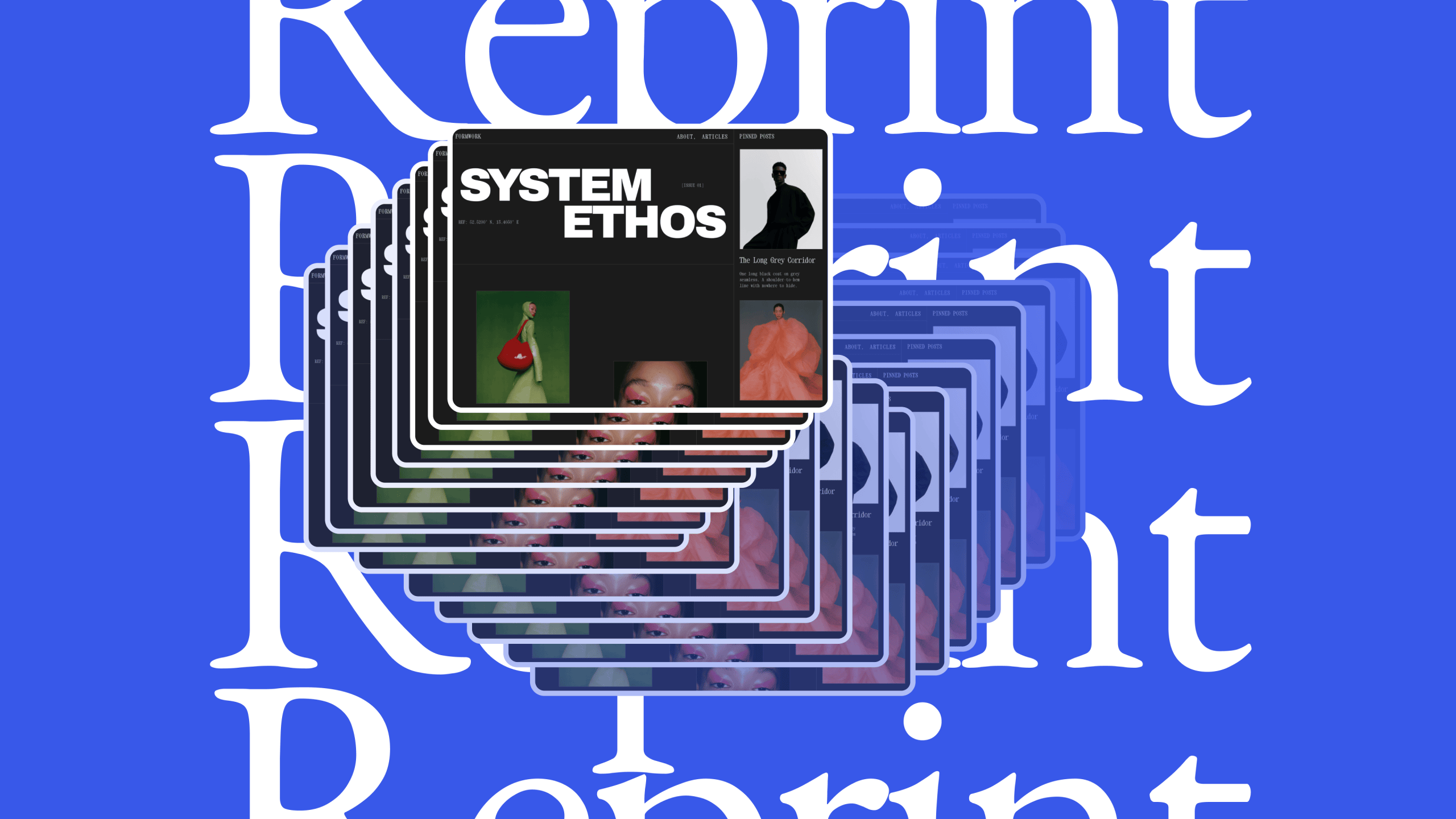
Reprint is a free, open-source, PHP-based tool that copies a WordPress site’s files and database. The plugin is available in the WordPress.org Plugin Directory, along with the command-line client used to copy the site.
You can use Reprint to copy your site to a new host, or to create a local copy meant for testing.
While moving your site to a new host, visitors can keep using the original. Use Reprint to copy the site, and then open the copy to check that your pages load, your images appear, and your forms work before you send visitors there. When you’re ready to switch, pause changes on the original site, make one last copy, and point your domain to the new host. The step-by-step guide to moving your site walks you through the move.
You can also use Reprint to create a site copy meant for testing, a place to try changes without affecting the site your visitors use. Copy your site to your computer or try the experimental, browser-based option in WordPress Playground. Use the copy to try a new layout with your existing pages, see how a plugin fits into your site, or check that everything still works after a WordPress update.
How Reprint copies a site
Reprint sends your files and database directly to the computer or server you choose, one piece at a time, without needing to connect to an external service. The transfer can begin without your old host having to make room for an archive of the whole site.
If the connection drops during the copy, you can resume from the last saved point. If you give Reprint a new site address, it can update links that point to the old one. It builds on the WordPress Importer’s approach to rewriting links and applies it to the copied database, including links stored in site settings, blocks, shortcodes, and complex data structures like serialized data or custom fields safely without corrupting tables.
When copying a site repeatedly, Reprint figures out what changed since the last time and copies only the files it needs.
When you’re ready to work with your own pages and settings, start with a test site you manage. The guide to making your first copy takes you from installing the plugin to opening the copied site on your computer.
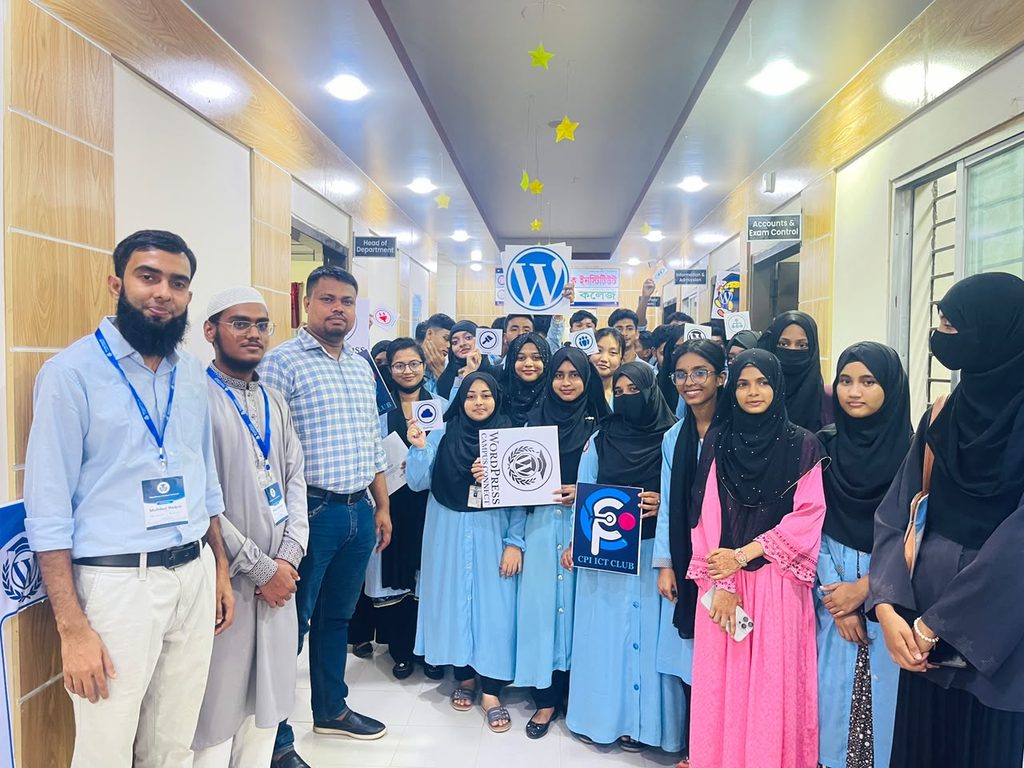
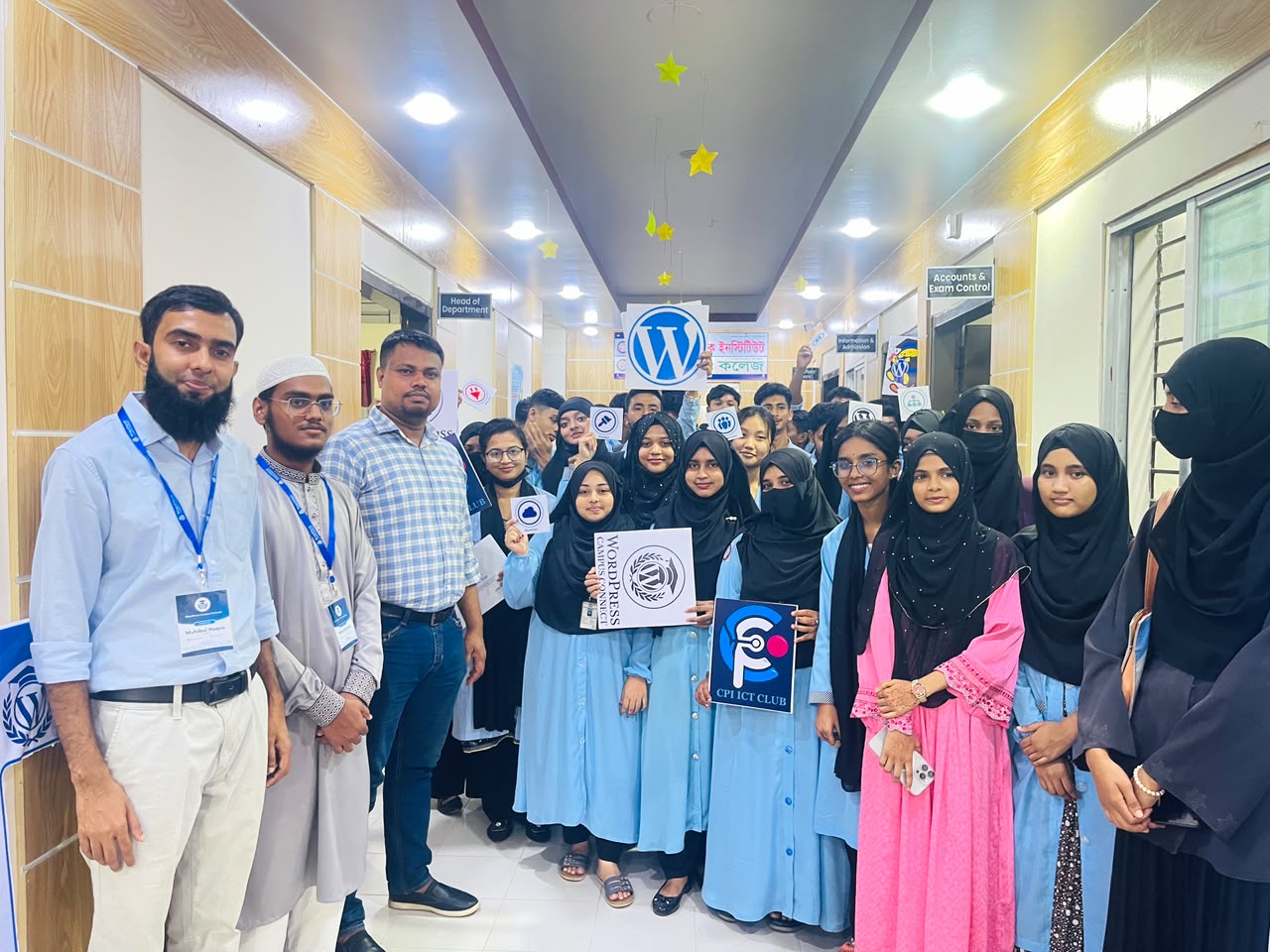
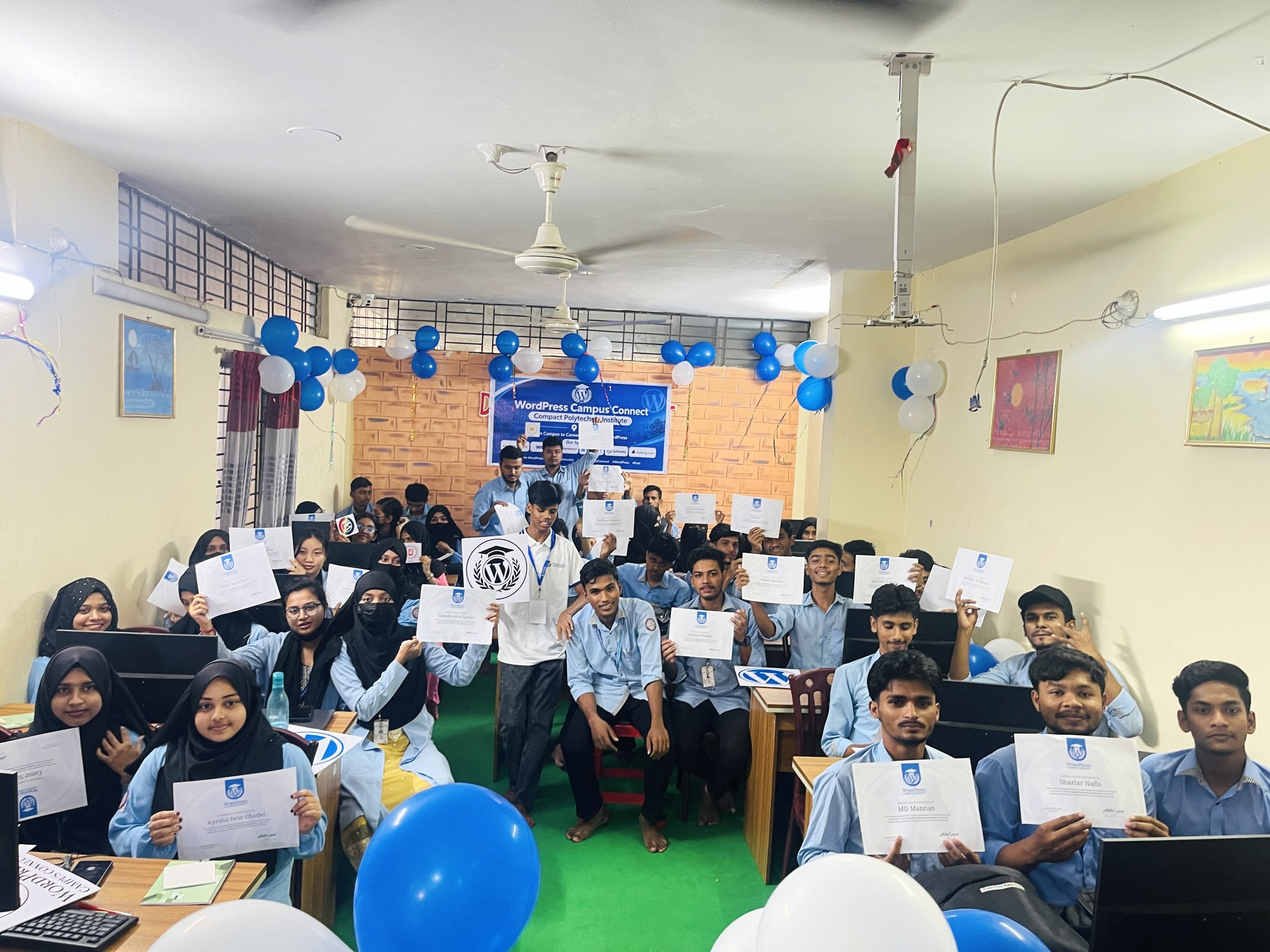
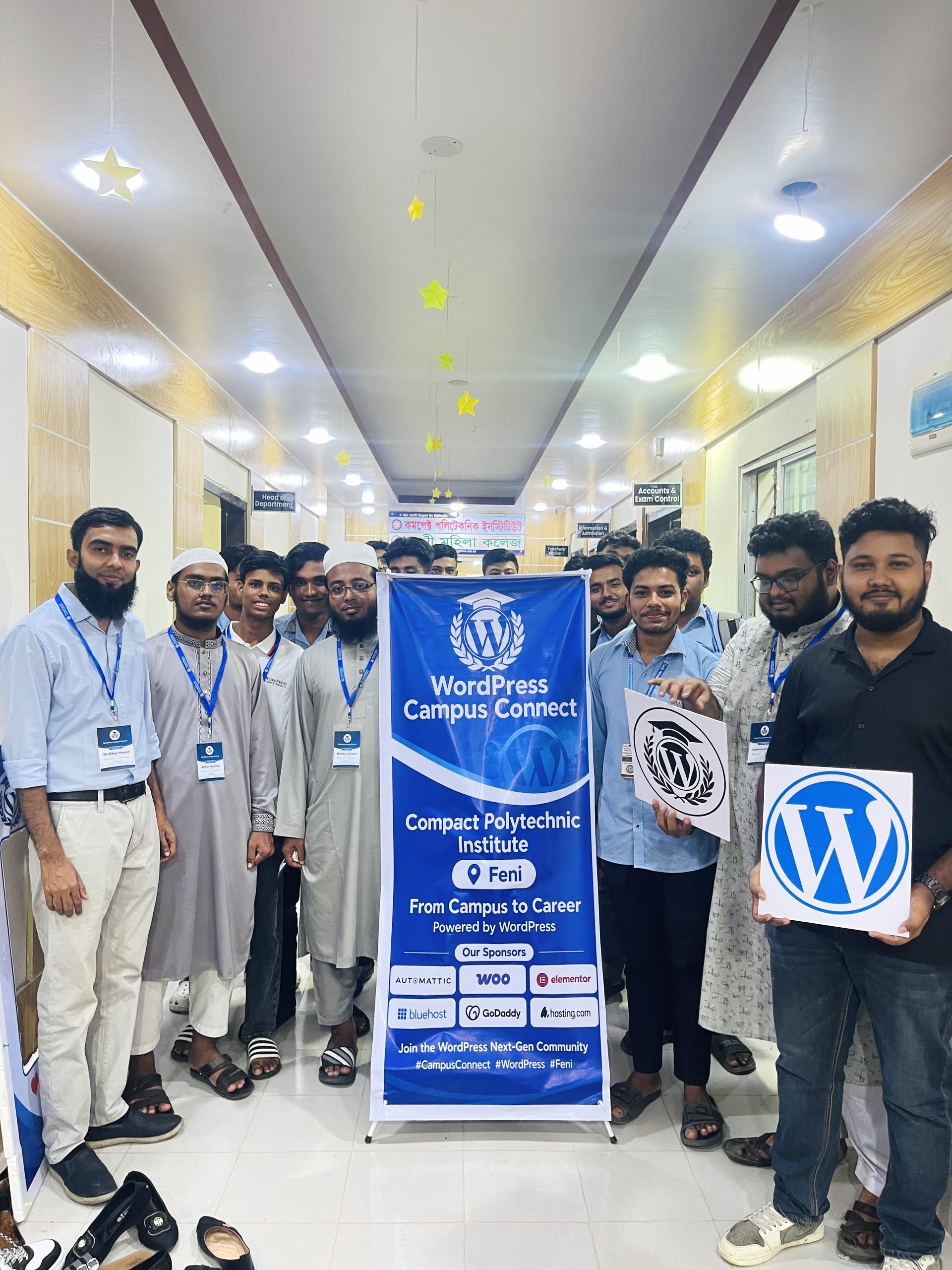
On November 12, 2026, I had the opportunity to join the Campus Connect event at Compact Polytechnic Institute, Feni, as a speaker.
I shared my WordPress journey—from being a Student to becoming a Mentor and now a Community Speaker.
My journey with the WordPress community has been truly amazing. I look forward to contributing more by participating in and organizing different community events.
A big thanks to the students of Compact Polytechnic Institute for their enthusiasm and for organizing such a wonderful event. It was great to see many students learning about WordPress and discovering how they can contribute to the WordPress community.
Overall, it was a wonderful experience. Alhamdulillah!
The digital landscape is shifting towards user empowerment, emphasizing open-source solutions that enhance agency. Users are encouraged to reclaim control over technology, creating personalized experiences and fostering independent online communities despite mainstream dominance.